

Live demo
Try it – the preview reacts instantly.
Pick a template, type a headline, change the colour: this is exactly how the plugin feels. Switch to “As admin” to see why you can never lock yourself out.
SettingsLive preview
Template
Accent colour
Coming soon
Something new is coming.
We’re launching with a brand-new look very soon. Check back shortly!
Furniture and light from Cologne.
This is the normal website – admins see it even during maintenance.
View collectionLog in
UsernameadminPassword••••••••Log inDemo – the form is disabled here. In the plugin it slides in exactly like this, without reloading the page.
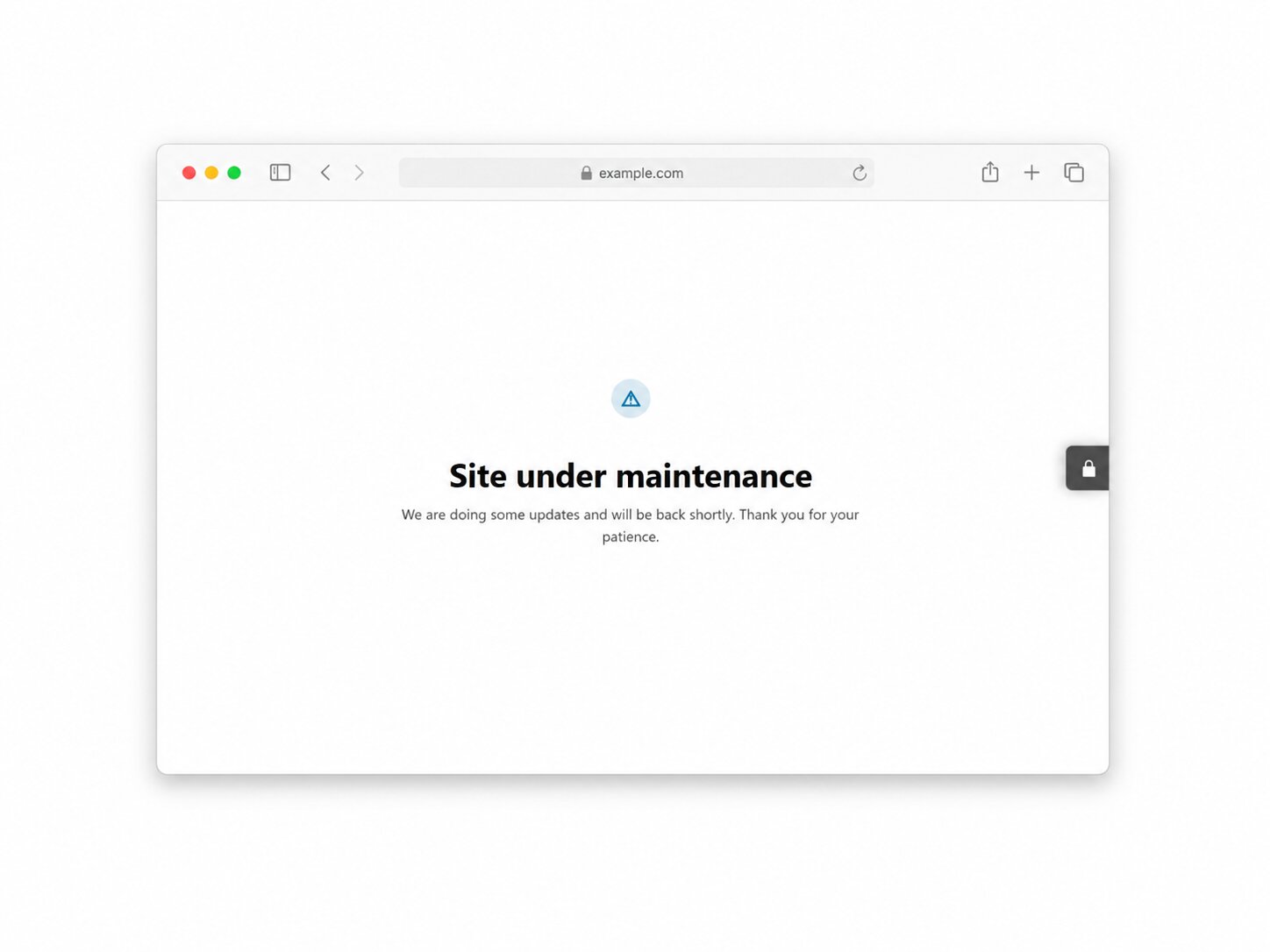
Visitors see the maintenance page – with HTTP status 503 and “Retry-After”. Google knows it’s temporary, your rankings stay.
A simplified preview of the eight templates – in the plugin you can also set your logo, background and much more. No save-and-check: the preview reacts instantly.
Why
Beautiful for visitors. Safe for Google. Easy for you.
True live preview
Every change shows instantly – at desktop, tablet and phone widths. No save, reload, check.
SEO-safe
HTTP 503 with Retry-After and noindex: Google knows it’s temporary. Your rankings stay.
Never locked out
Admins always see the site. Unlock more roles and single pages with a click.
GDPR-friendly
No tracking, no external calls, no cookies – every file is served from your own domain.
Screenshots
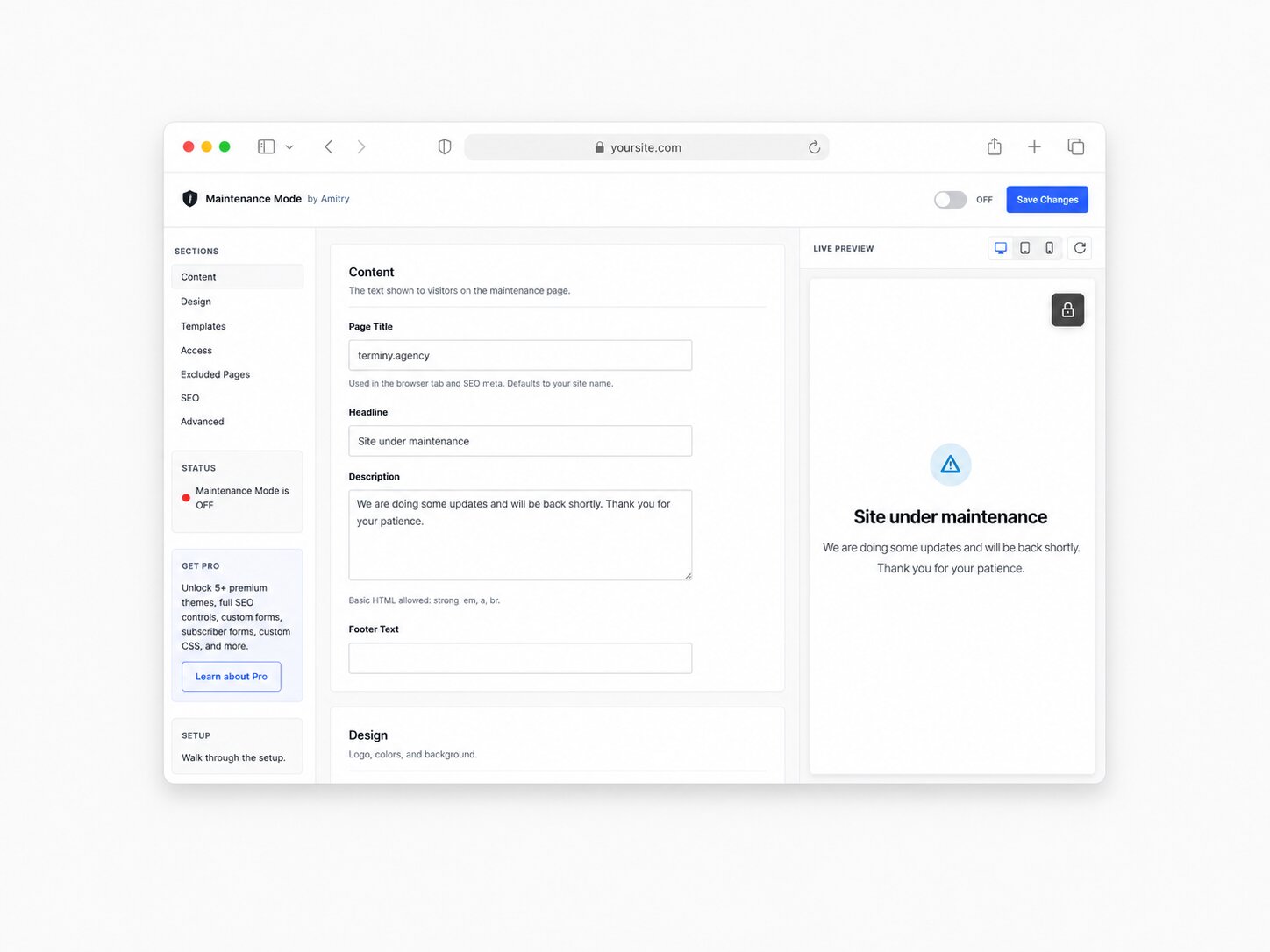
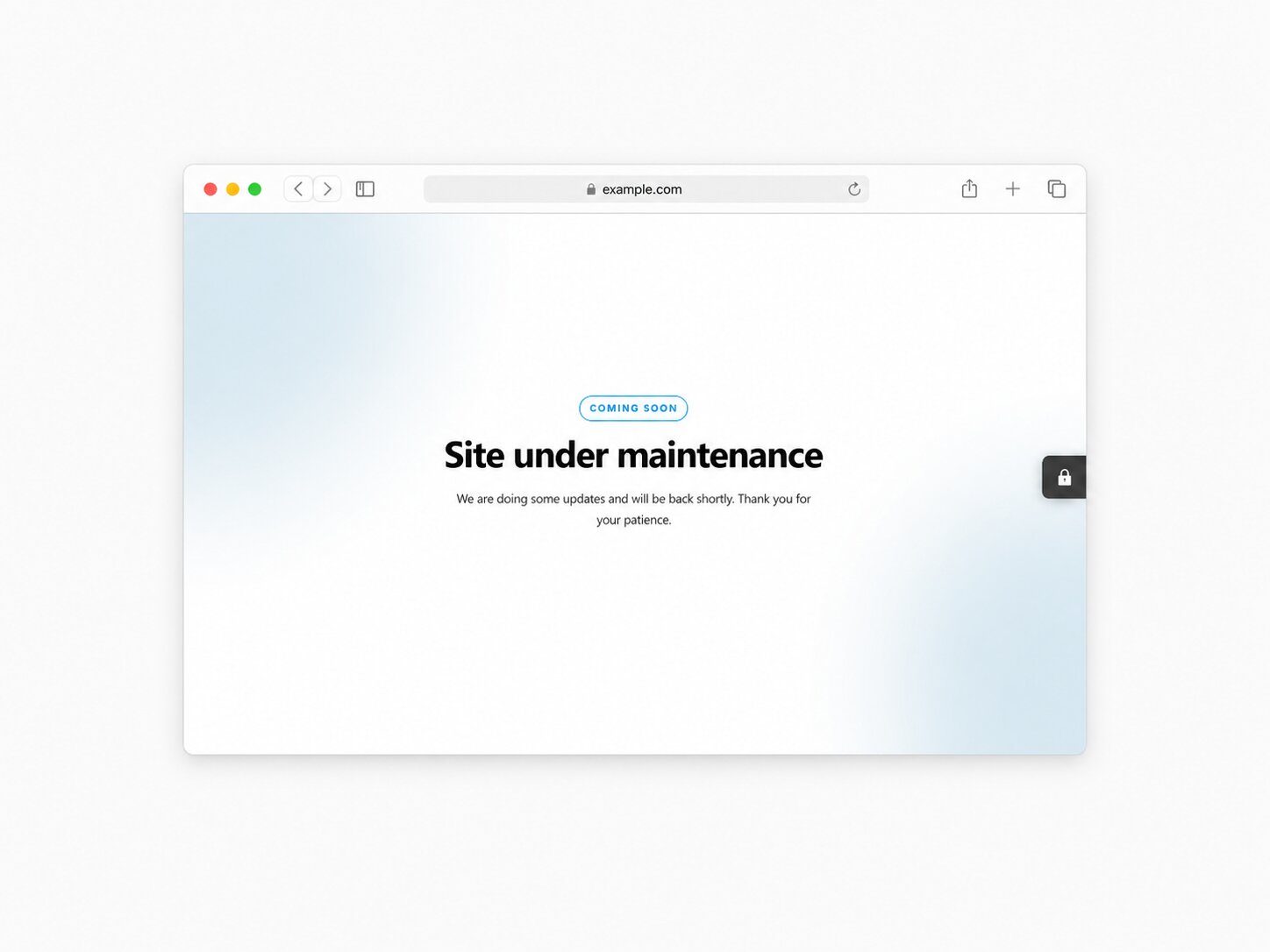
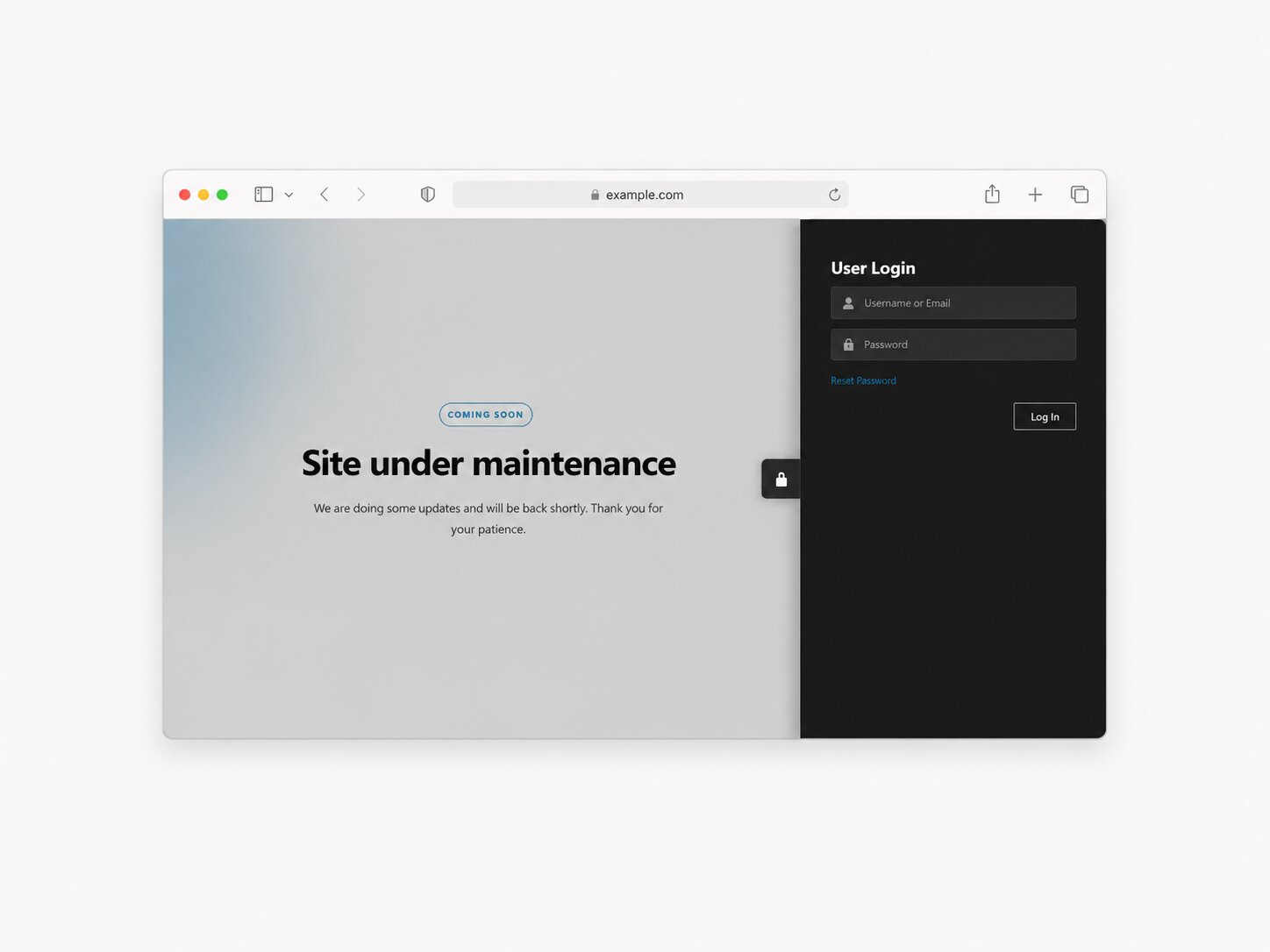
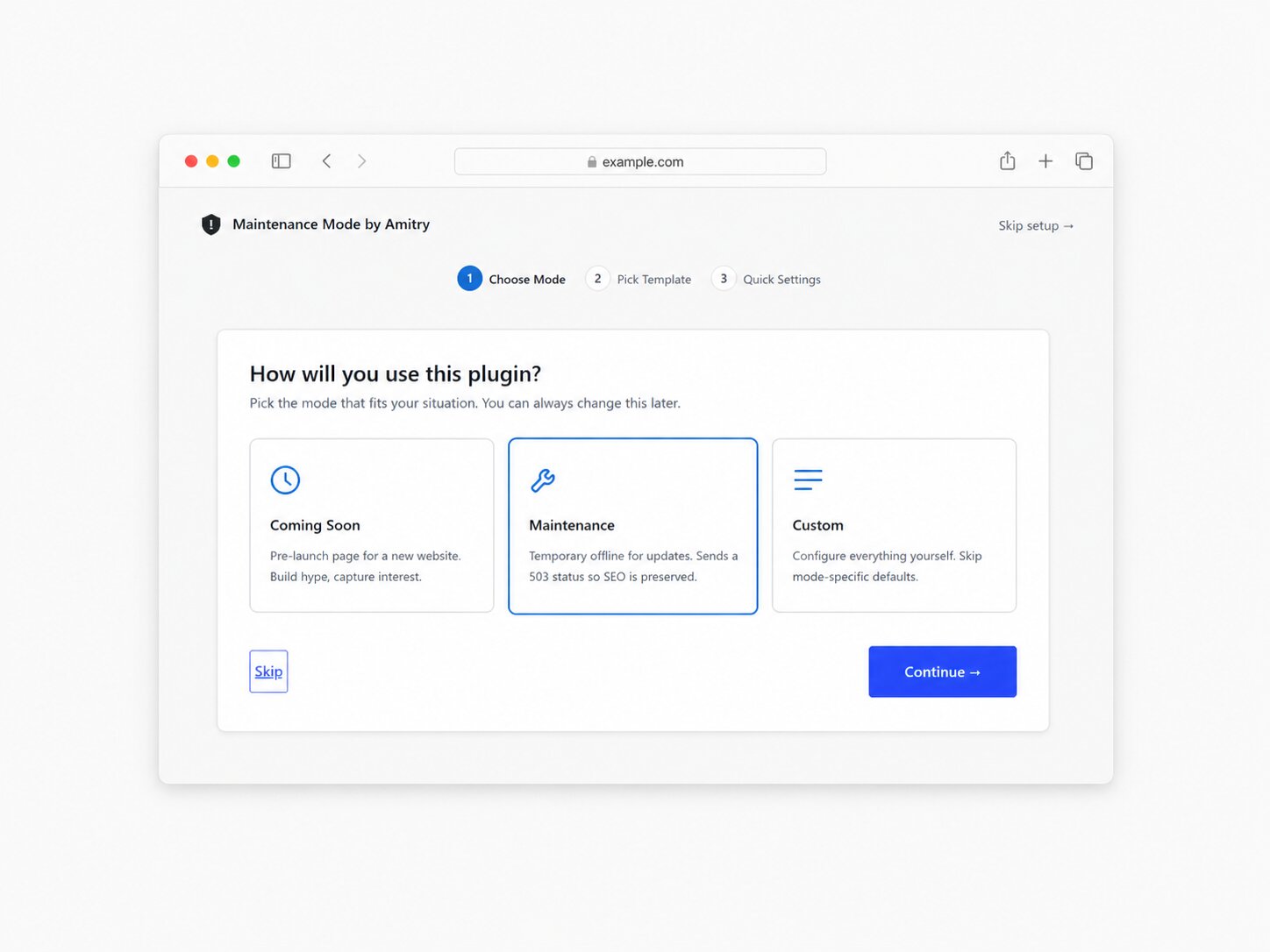
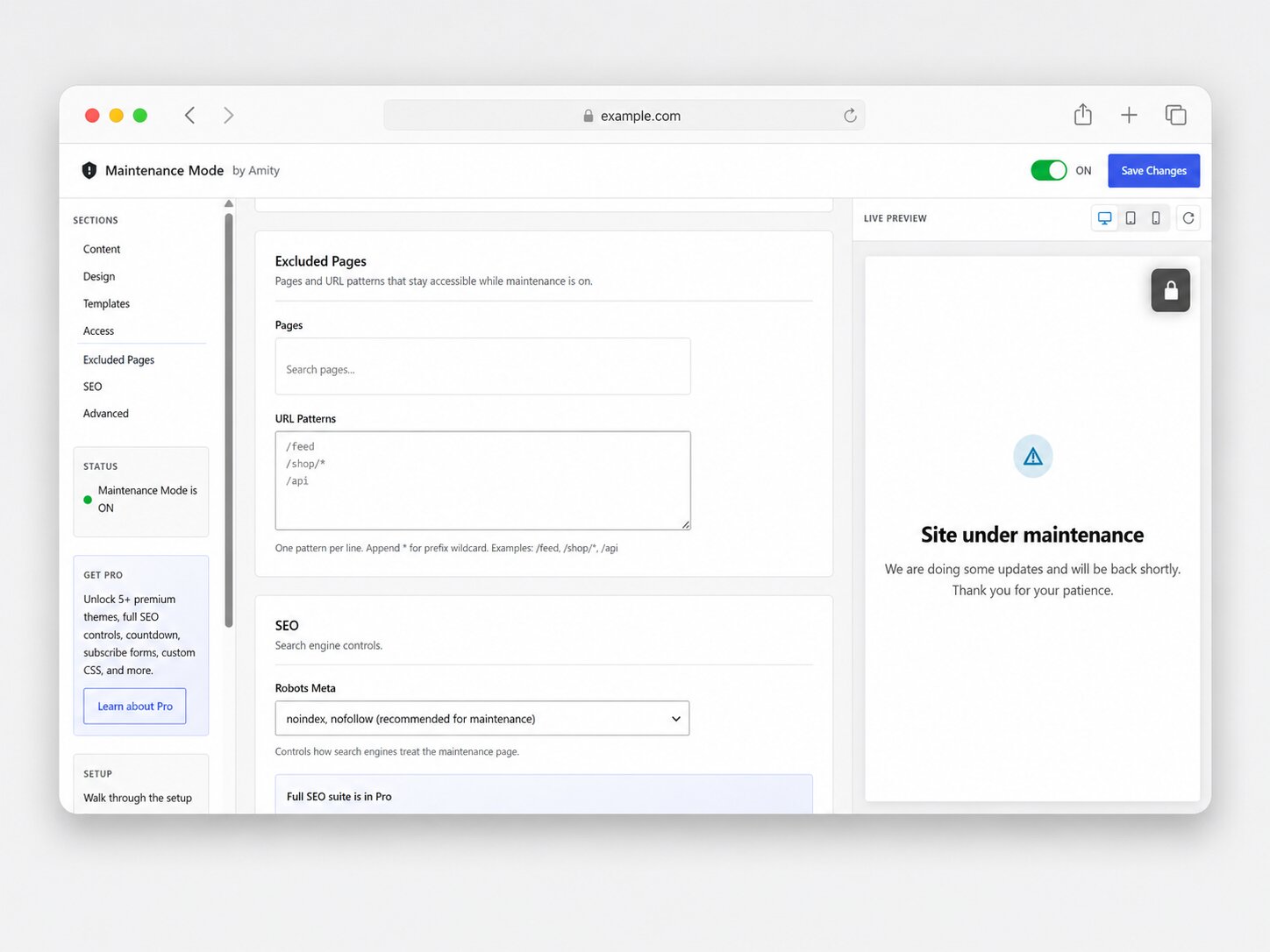
What it looks like in the plugin.
From the setup wizard to the finished page – real screenshots from the plugin.
Free vs. Pro
Free is complete. Pro makes it unmistakably yours.
The free version has no locked features and no nag screens – everything in the left column is included without limits. Pro adds premium designs, a countdown, SEO and custom code.
| Feature | FreeWordPress.org | Profrom $29 / year |
|---|---|---|
| True live preview: desktop, tablet, phone | included | included |
| Setup wizard in three steps | included | included |
| Templates | 3 | 8 |
| HTTP 503, Retry-After and noindex | included | included |
| Admins always in, more roles selectable | included | included |
| Exclude pages and URL patterns | included | + wildcards |
| Animated login modal | included | included |
| Auto-clear caches of 9 cache plugins | included | included |
| Countdown with auto-disable | not included | included |
| SEO suite: meta, Open Graph, Twitter Cards, schema, favicon | not included | included |
| Custom CSS and JavaScript with editor | not included | included |
| Support | Forum | Standard to priority |
| Download free | Get Pro |
- Gradient Hero
- Brand Card
- Split Screen
- Tech Startup
- Construction Pro
- Countdown
- Auto-disable
- Custom end message
- Countdown colours
- Meta title & description
- Open Graph
- Twitter Cards
- Canonical URL
- Schema
- Favicon
- CSS editor
- JavaScript editor
- URL wildcards
Pricing
One price, every Pro feature.
Yearly or one-time – every plan includes all premium templates, SEO, countdown and custom code. 14-day money back.
Personal
For one website
$29/ year
$99lifetime
- 1 site
- All 5 premium templates
- Full SEO suite
- Countdown timer
- Custom CSS & JavaScript
- Standard support
Business
Most popularFor freelancers and small agencies
$59/ year
$199lifetime
- 5 sites
- All 5 premium templates
- Full SEO suite
- Countdown timer
- Custom CSS & JavaScript
- Priority support
Agency
For agencies and client work
$149/ year
$499lifetime
- Unlimited sites
- All 5 premium templates
- Full SEO suite
- Countdown timer
- Custom CSS & JavaScript
- Priority support, 24 h response
Prices in USD. Secure checkout via Freemius, EU VAT is handled automatically. If Pro doesn’t work for you, get a refund within 14 days.
Setup
Live in a minute.
The wizard starts by itself after activation – no code, no developer.
Install the plugin
In your admin go to Plugins → Add New, search for “Amitry Maintenance Mode”, install and activate.
Walk through the wizard
Pick a mode – maintenance or coming soon –, choose a template, add headline and text. The live preview shows you every step.
Switch it on
One click and visitors see the new page. You keep working as usual, caches are cleared automatically.
FAQ
Questions, answered.
Will I lose my Google rankings during maintenance?
No. The plugin sends a 503 status code with “Retry-After” and sets noindex, nofollow. That tells Google the break is only temporary – exactly the approach WordPress recommends.
Can I lock myself out by accident?
No. Administrators always bypass the maintenance page – it’s hard-coded and can’t be turned off. Even in an emergency, renaming the plugin folder via FTP is enough.
Does it work with WooCommerce, Elementor and my theme?
Yes. The maintenance page is a standalone page, independent of your theme and page builder – with classic and block themes, WooCommerce, Elementor, Beaver Builder, Divi and Gutenberg. You can even keep your checkout reachable.
Can I keep single pages reachable?
Yes. Under Maintenance → Excluded Pages you pick pages via search or add URL patterns, one per line – such as /feed or /api. Pro adds wildcards for advanced rules.
What about cache plugins?
When you switch maintenance on or off, the plugin clears the caches of W3 Total Cache, WP Super Cache, WP Rocket, LiteSpeed Cache, SG Optimizer, Cache Enabler, Comet Cache, Hummingbird and Autoptimize. The maintenance page itself is never cached.
How privacy-friendly is the plugin?
It tracks no one, calls no external services and sets no cookies of its own. Every file comes from your own domain. Only if you switch on Google Analytics in Pro does the page talk to a third party – and that’s your call.
How does buying Pro work?
Pro is an add-on: the free plugin stays installed and Pro unlocks the premium features on top. Pick a plan, pay via Freemius, enter your licence – done. If it’s not for you, get a refund within 14 days.
Can developers extend the plugin?
Yes. The hooks ammode_register_templates, ammode_should_show_maintenance, ammode_render_html, ammode_head_meta and ammode_settings_schema let you add your own templates, rules and settings – versioned via AMMODE_HOOK_VERSION.
Ready for a maintenance page that looks great?
Install for free, live in a minute. Add Pro any time – 14-day money back.