

● Built for WordPress & WooCommerce | WooCommerce Slider Plugin
The WooCommerce slider that looks better and does more
This WooCommerce Slider Plugin allows you to display categories and products as modern, responsive sliders directly in the Gutenberg and Elementor editors. Start for free and upgrade to Pro later for more control, more design options, and better sales performance.
2
Slider types
3
Style variants in Pro
8
Slides per view in Pro
100%
Responsive
Live-Demo
Here you can later embed the plugin live so visitors can instantly see the difference between Free and Pro.
Demo 1
Category-Slider live
Display your real category slider here directly on the page. Visitors can instantly see how categories, overlays, and titles appear on the frontend.
Demo 2
Product-Slider live
Perfect for new arrivals in the free version or later as a sales showcase for products with price, sale badge, and ratings.
[LIVE DEMO PLACEHOLDER – PRODUKT-SLIDER]
Demo 3 · Pro
Pro features in action
Here you can showcase what visitors get with Pro: bestsellers & top rated, zoom effect, pagination dots, sale badge customization, and per-device scaling.
[LIVE DEMO PLACEHOLDER – PRO FEATURES]
Everything your shop needs
From a free foundation to a Pro version with more control, more style, and greater conversion potential. With the WooCommerce Slider Plugin, you can present your products and categories in a much more engaging way.
🛒
Category-Slider
Display WooCommerce categories as an elegant slider. Includes title colors, overlay gradient, sorting, and a “View all” button already in Free.
⭐
Product-Slider
Showcase products as a slider directly in Gutenberg. Free includes new arrivals, while Pro expands to bestsellers and top-rated products.
🎨
Style & Design
Start with 1 style variant in Free. In Pro, you get 3 variants and more visual freedom for your shop design.
📱
Responsive control
Adjust the number of slides per view. In Pro, you also get per-device scaling for finer control on desktop, tablet, and mobile.
🔍
More interaction in Pro
With a zoom effect, pagination dots, and sale badge customization, your slider becomes not only more visually appealing but also more interactive and conversion-focused.
⚡
Directly in the editor
No shortcode, no complicated builder. Everything happens directly in Gutenberg with fast preview and a simple workflow.
Free vs Pro
Starte kostenlos und upgrade, sobald du mehr Design, mehr Produktlogik und mehr Kontrolle brauchst. Das WooCommerce Slider Plugin bietet dir sowohl eine kostenlose Version als auch erweiterte Funktionen in der Pro-Version.
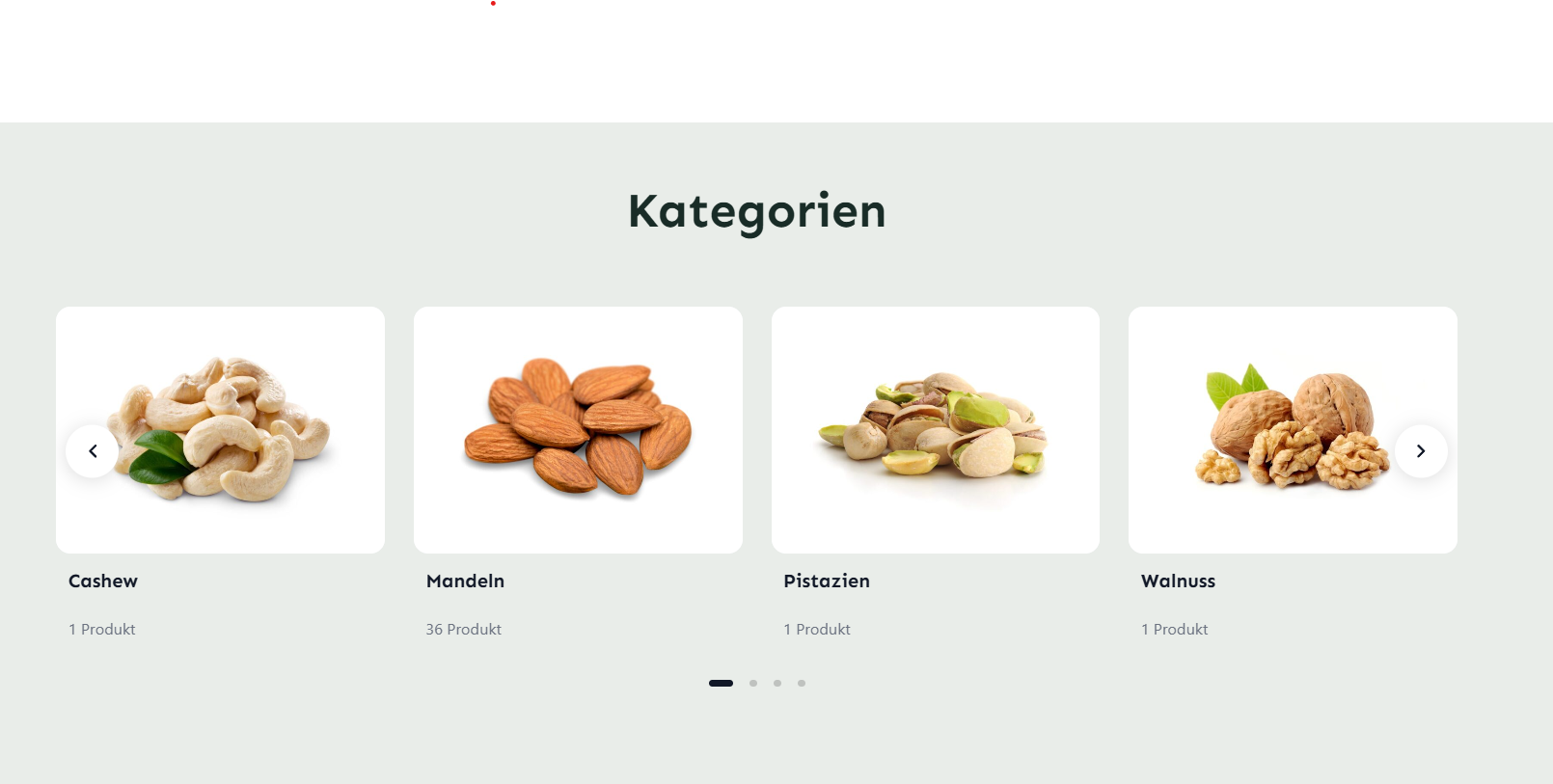
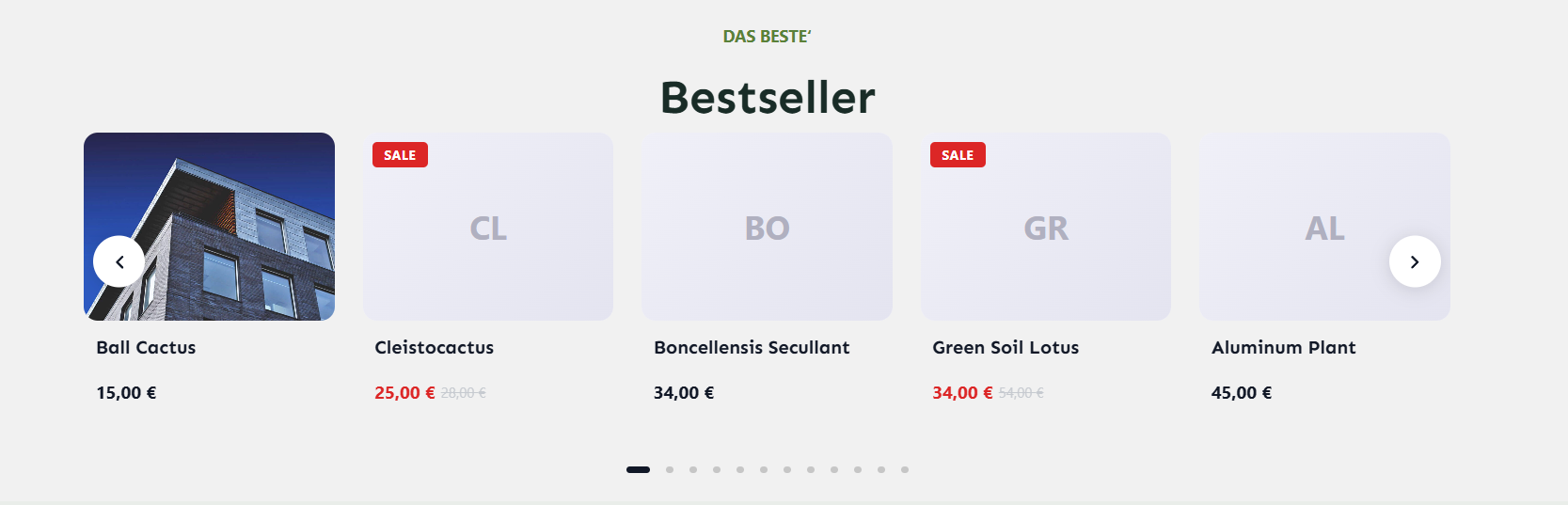
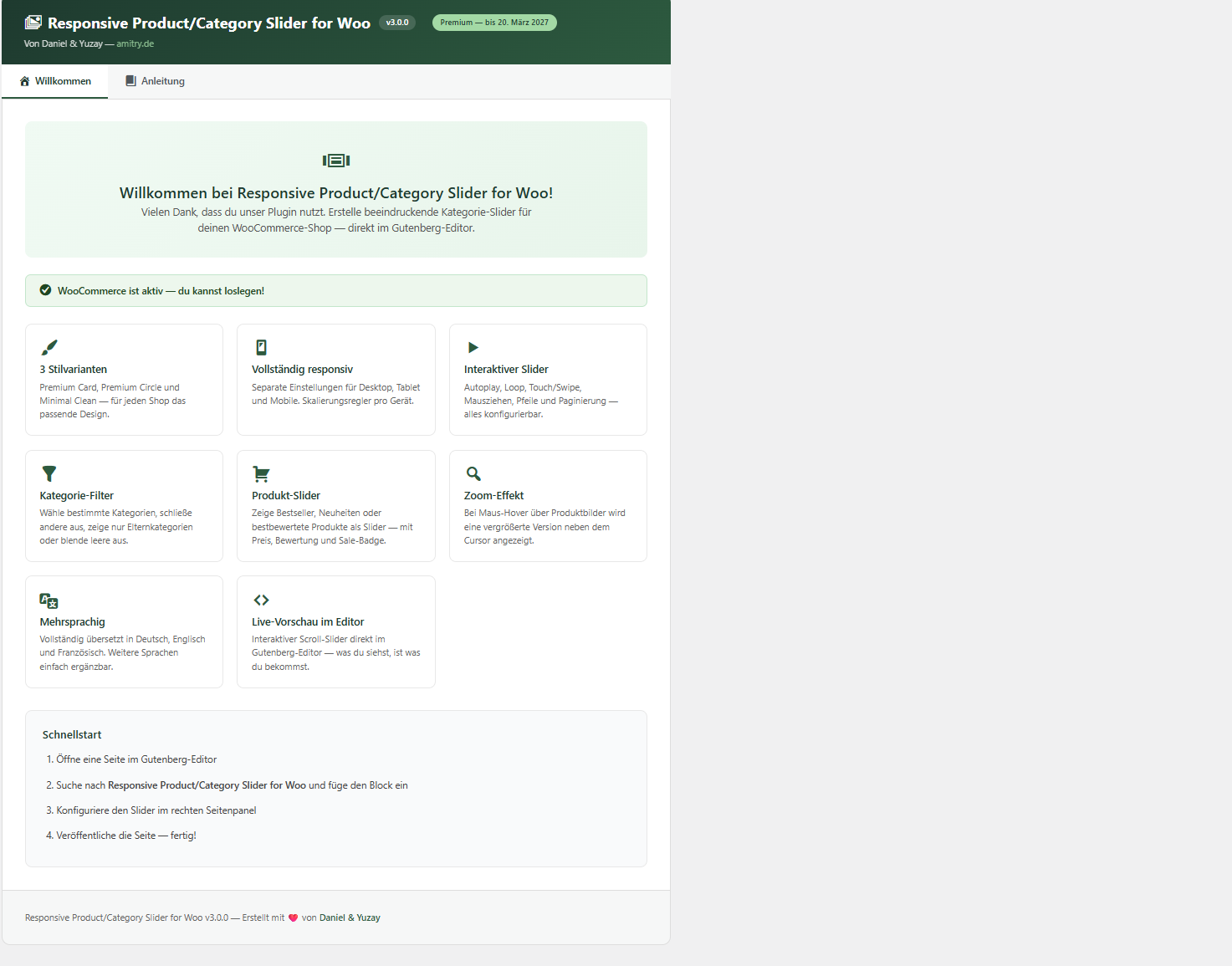
Here’s what it looks like
Screenshots from Gutenberg, the frontend, and the plugin dashboard. You can easily reuse your existing images here.
Get your slider in 3 steps
No shortcodes. No complicated setup. Just directly in Gutenberg & Elementor. Install the WooCommerce Slider Plugin and get started with your first slider in just a few minutes.
1
Insert block
Search for your slider block in the editor and add it to the page with one click.
2
Customize
Select categories or products, adjust style, slides, and colors, and see the preview instantly.
3
Publish
Click Publish and your slider is instantly live — responsive and ready on any device.
Ready for a better WooCommerce slider?
Start for free in just a few minutes or go Pro if you want more control and a stronger shop presentation.